Settings in Liqnic Admin
Your Liqnic store’s settings are where you can manage your store’s details, regions, sales channels, and more.
You can access your store’s settings by clicking the Settings item at the bottom of the sidebar. This shows a settings panel with a different sidebar to manage your store’s data.
You can also go back to the main sidebar by clicking the ⋮ icon at the top of the sidebar.
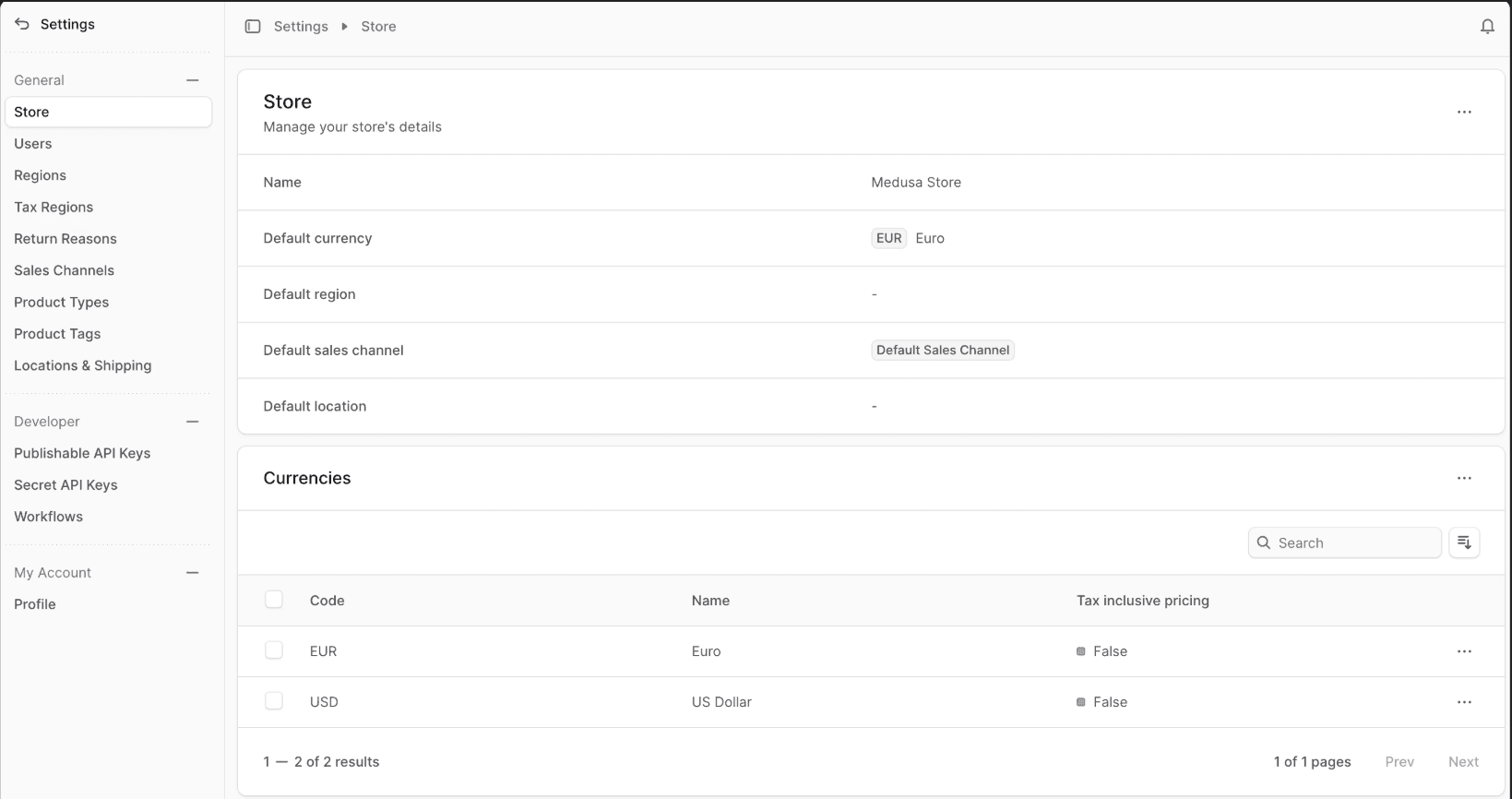
Manage Settings
You can manage different parts of your store from the settings panel:
Last updated on