Promotions in liqnic Admin
The Promotions domain allows you to create and manage discounts and campaigns in your store.
You can create different types of promotions, such as:
- Discounted amount or percentage
- Buy X, get Y for free
Promotions belong to campaigns, allowing you to manage budgets, start and end dates, and more — giving you granular control over your store’s promotional strategy.
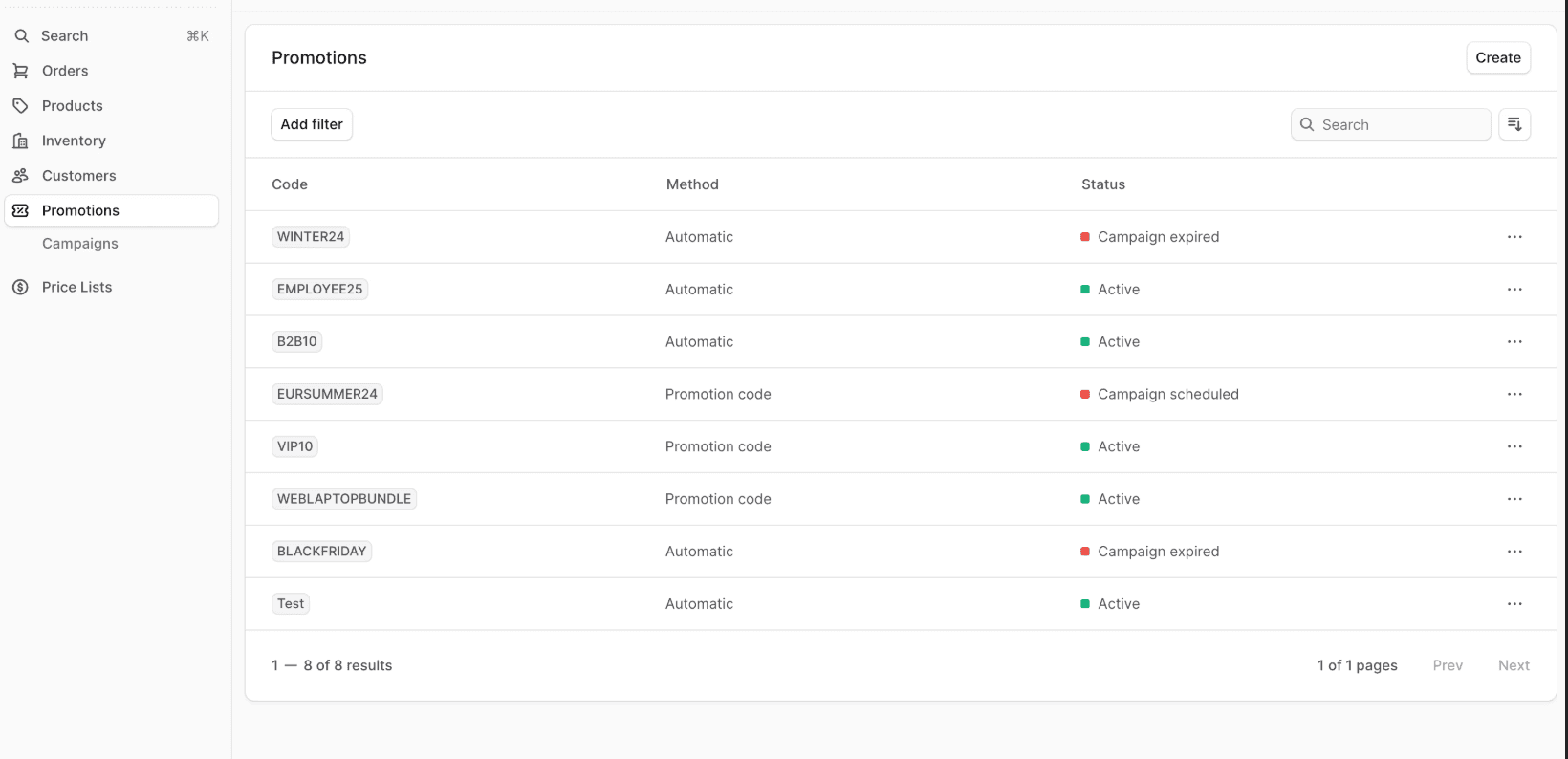
View Promotions List
To view all promotions:
- Go to Promotions from the sidebar menu.
- In the list, you can see promotion details such as the code and status.
- You can also search, filter, and sort the promotions to find a specific one.
Tip: Find tips to use lists effectively in the “Using Lists” guide.
Manage Promotions
Last updated on