Price Lists in Liqnic Admin
The Price Lists domain allows you to manage custom product pricing for customer groups in your store.
These prices can be either for a sale or to override the default prices for specific customer groups.
For example, you can utilize price lists to provide customers in the B2B customer group with different pricing, allowing you to support both B2B and B2C customers in the same store.
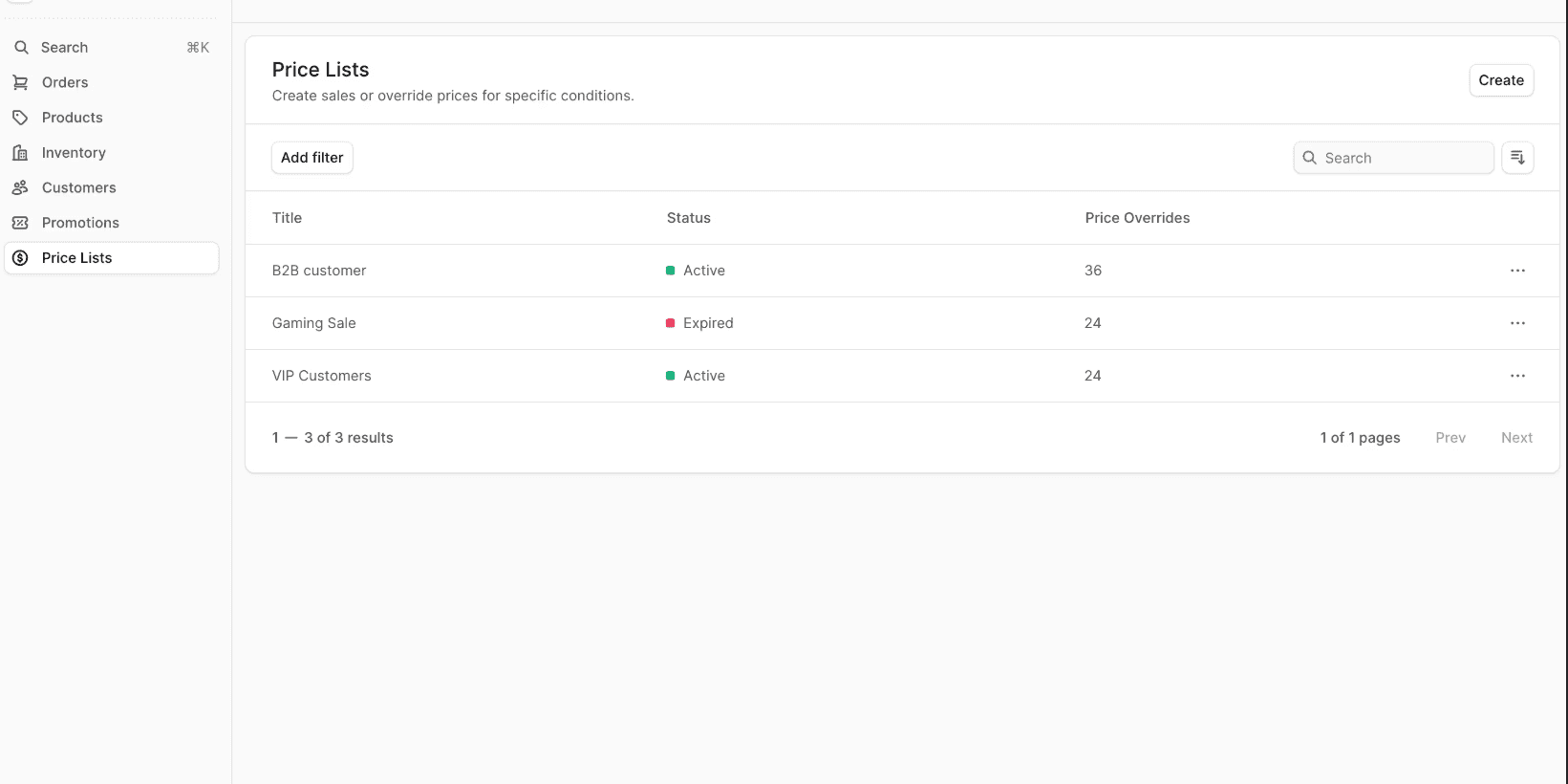
You can view the list of price lists in your commerce store by clicking on Price Lists from the sidebar menu.
In the list, you can see price list details such as title and status.
You can also search, filter, and sort the price lists to find the specific one you are looking for.
💡 Tip: Find tips to use lists effectively in this guide.
Manage Price Lists
Last updated on